

Faster eSignatures With Automated Signing Workflows
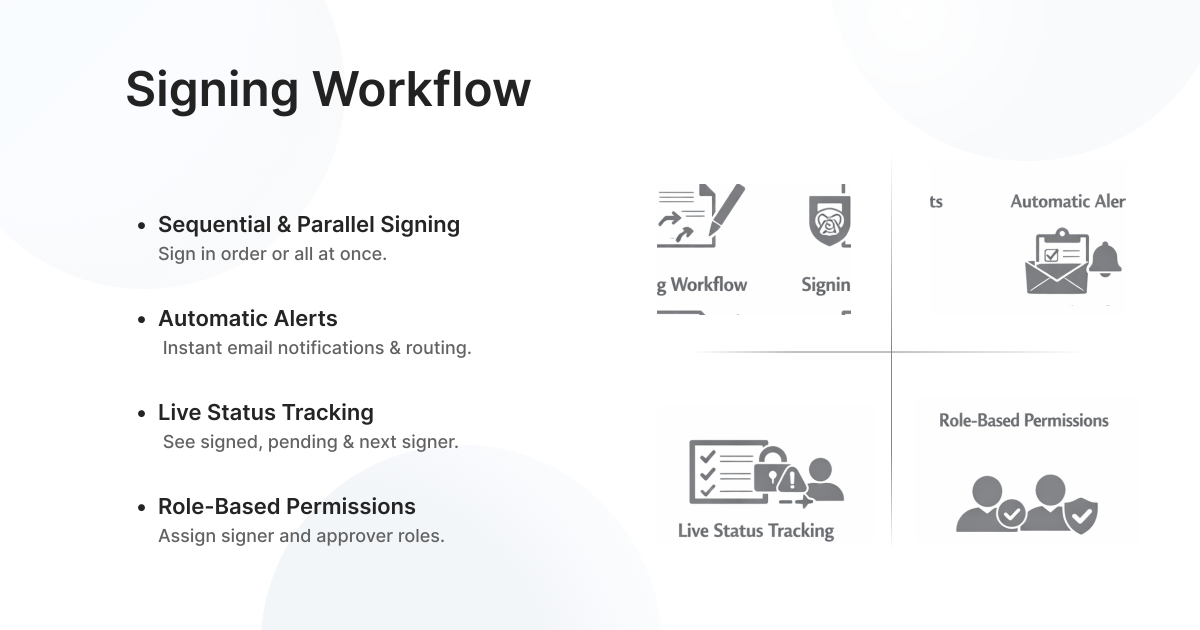
Automate your signing process, set signer order, and collect eSignatures faster. Docstrail routes documents automatically, sends reminders, and tracks progress in real time—so nothing gets stuck or delayed.
What Is an Automated Signing Order?
An automated signing order allows you to manage the exact flow of a document from one signer to the next. Instead of manually sending documents and reminders, you can set a predefined sequence so each recipient receives the document at the right time. This ensures that contracts, agreements, approvals, and other important documents follow the correct signing path without delays.
With Docstrail, the process becomes faster and more organized. Once one signer completes their action, the document is instantly sent to the next person in the workflow. This helps eliminate confusion, reduces the risk of missed signatures, and keeps the approval process moving smoothly. It is especially useful for teams handling HR forms, legal agreements, sales contracts, and internal approvals where order matters.
The system also gives you complete visibility throughout the signing journey. You can monitor real-time progress, see who has signed, check pending recipients, and send automatic reminders when needed. By automating the signing sequence, businesses can save time, improve efficiency, and ensure every document is completed accurately and on schedule.
Document Signing Sequence
Control how your documents move with an automated signing order. Set who signs first, who approves next, and keep everything on track—without manual follow-ups. Docstrail automates approvals and signatures, helping documents get reviewed and signed faster every time.
With a structured signing sequence, every document follows the exact workflow you define. Whether it’s a contract, agreement, HR form, or approval request, the document is automatically sent to the next recipient as soon as the previous step is completed. This removes delays, avoids missed signatures, and ensures every signer receives the document at the right time.
Do More Than Sign Documents
Try Docstrail for free and experience powerful workflows beyond basic eSignatures.
Start Free Trial:
✔ Transparent pricing
✔ Unlimited documents & signatures
✔ Live support included