

Complete Visibility With Secure Audit Trails
Track every action taken on your documents with a detailed audit trail. Docstrail records signer activity, timestamps, IP addresses, and document changes in real time—so you always have proof, transparency, and compliance.
What Is an Audit Trail?
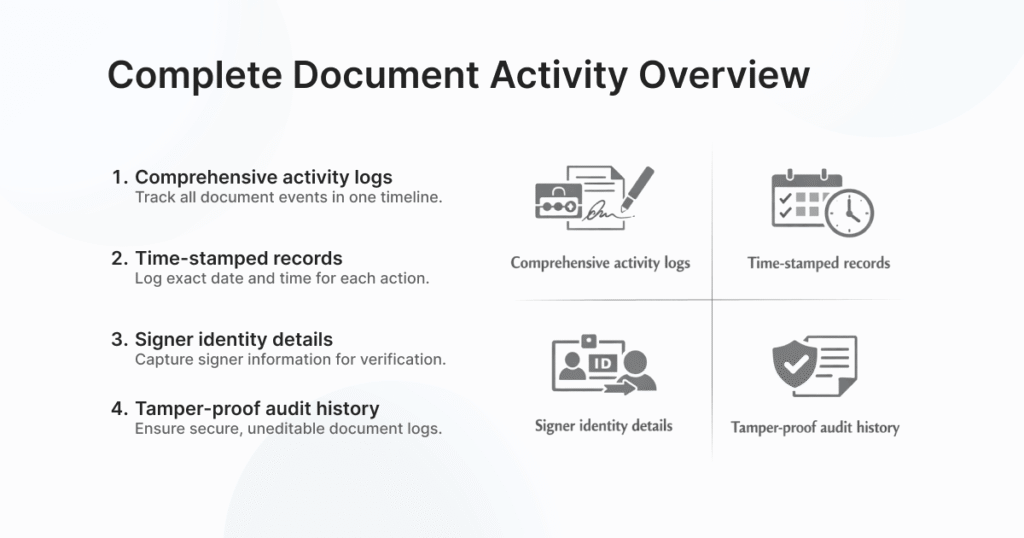
Document activity tracking ensures that every interaction with your document is captured in a clear, chronological flow, giving you complete control and awareness at every stage of the signing process. From the moment a document is created and shared to when it is opened, reviewed, and signed, Docstrail continuously logs each action in real time. This eliminates uncertainty and allows teams to instantly verify progress, identify delays, and ensure that nothing falls through the cracks. With this level of transparency, businesses can confidently manage high-value documents without relying on manual follow-ups or fragmented communication.
Beyond visibility, document activity tracking also strengthens accountability and trust across all stakeholders. Each recorded action is securely stored and tied to specific user details, making it easy to confirm authenticity and resolve any discrepancies if they arise. Whether you’re handling contracts, approvals, or sensitive agreements, having a reliable record of every step helps maintain compliance and supports legal enforceability. With Docstrail’s automated tracking in place, you gain a dependable system that not only simplifies monitoring but also reinforces the integrity of your entire document workflow.
Document Signing Sequence
Control how your documents move with an automated signing order. Set who signs first, who approves next, and keep everything on track—without manual follow-ups. Docstrail automates approvals and signatures, helping documents get reviewed and signed faster every time.
With a structured signing sequence, every document follows the exact workflow you define. Whether it’s a contract, agreement, HR form, or approval request, the document is automatically sent to the next recipient as soon as the previous step is completed. This removes delays, avoids missed signatures, and ensures every signer receives the document at the right time.
Do More Than Sign Documents
Try Docstrail for free and experience powerful workflows beyond basic eSignatures.
Start Free Trial:
✔ Transparent pricing
✔ Unlimited documents & signatures
✔ Live support included