

Connect Docstrail with Your Favorite Cloud Tools
Seamlessly connect Docstrail with popular cloud storage platforms. With built-in integrations, you can import documents directly from your cloud apps and keep files synced—making document signing and management faster, simpler, and more efficient.
What Are Cloud Integrations?
Cloud integrations play a key role in creating a connected and efficient document workflow by bridging the gap between your storage systems and your signing platform. Instead of downloading files from one place and uploading them into another, integrations allow documents to move seamlessly between your cloud apps and Docstrail. This not only saves time but also reduces the risk of errors, such as uploading outdated versions or misplacing important files during the transfer process.
In fast-paced work environments, having instant access to the latest version of a document is essential. Cloud integrations ensure that your files stay synchronized across platforms, so any updates made in your cloud storage are reflected in your signing workflow. With Docstrail, this real-time connectivity helps teams stay aligned, improves collaboration, and eliminates confusion caused by duplicate or outdated documents. It creates a smoother experience where everything you need is always up to date and within reach.
Beyond convenience and efficiency, cloud integrations also enhance overall workflow consistency and control. By keeping your documents connected to trusted storage platforms, you maintain a structured and reliable system for managing files throughout their lifecycle. This approach reduces dependency on manual processes and allows teams to focus on completing tasks rather than managing files. With Docstrail, cloud integrations become a powerful way to streamline operations while ensuring your document processes remain organized, accurate, and easy to manage.
Seamless Cloud Connectivity
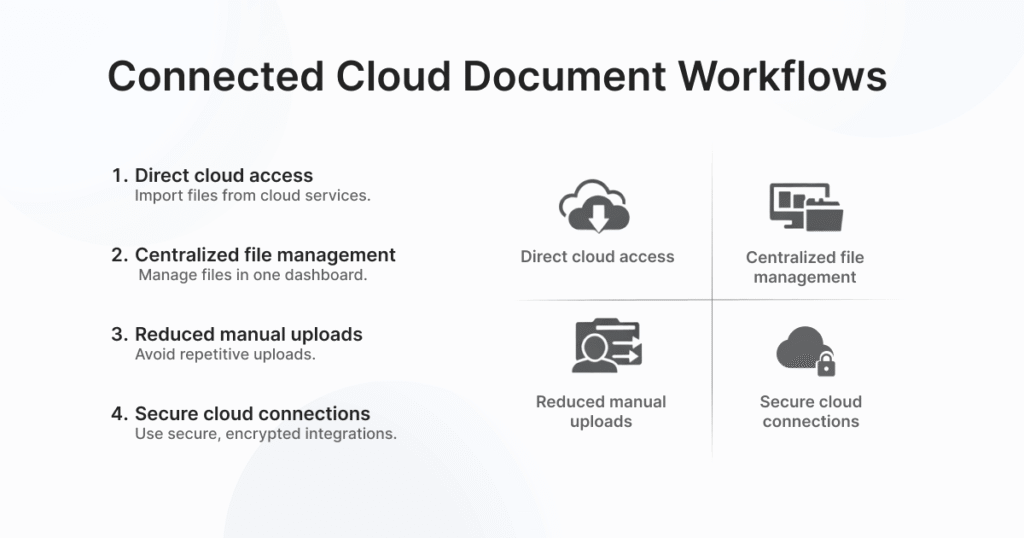
Seamless cloud connectivity allows you to work with your documents without the hassle of switching between platforms or managing multiple file versions. With Docstrail, you can pull documents directly from your connected cloud storage and start the signing process instantly.
Beyond convenience, this connectivity also improves collaboration and workflow efficiency across teams. By keeping documents synced and accessible in real time, everyone involved can stay aligned and act quickly without confusion. Docstrail’s secure integrations ensure that your files remain protected while moving smoothly between systems, giving you a reliable and efficient way to manage, sign, and track documents within a fully connected ecosystem.
Do More Than Sign Documents
Try Docstrail for free and experience powerful workflows beyond basic eSignatures.
Start Free Trial:
✔ Transparent pricing
✔ Unlimited documents & signatures
✔ Live support included