


 May 27,2026
 By docstrail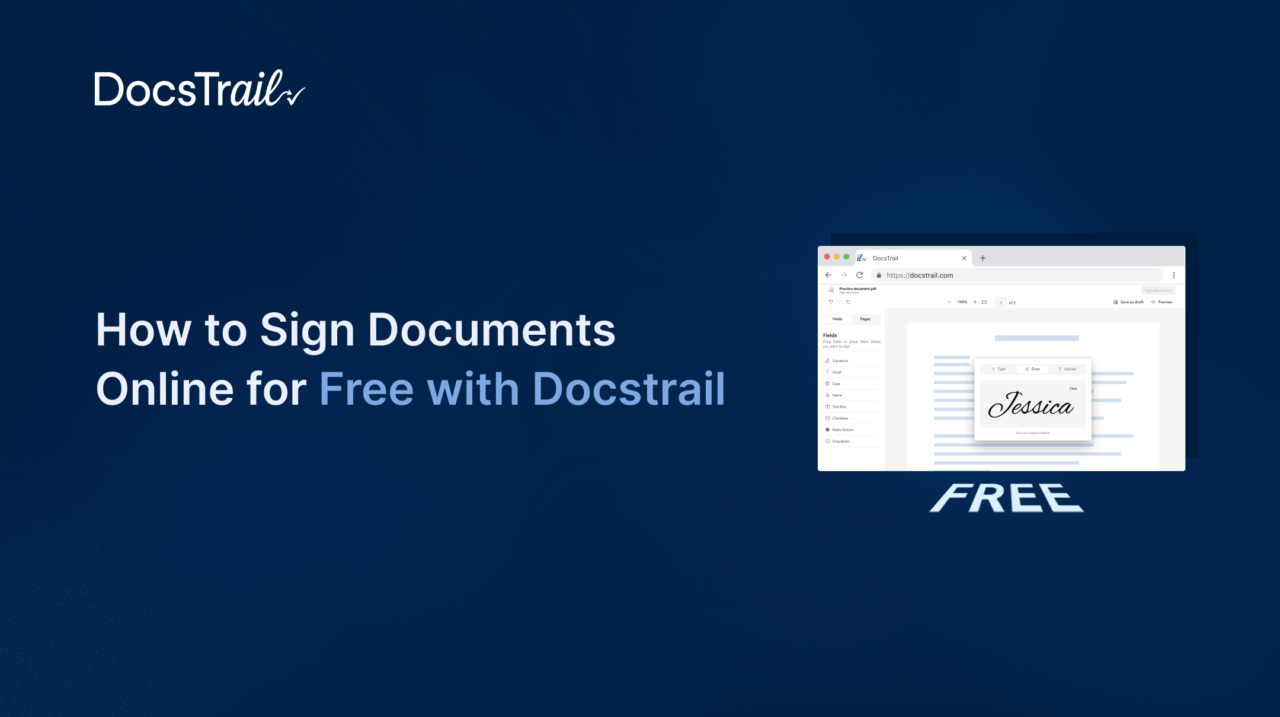
There is something quietly frustrating about being in 2026 and still printing a document just to sign it, scan it, and send it back. The whole process takes fifteen minutes minimum, assumes you have a working printer nearby, and produces a document that is physically inferior to a properly signed digital file in almost every measurable way.
The good news is that there is a genuinely better way — and it costs nothing to get started. DocsTrail lets you sign documents online for free, from any device, in minutes, without downloading software or entering a credit card. Whether you are a freelancer finalizing a client contract, an HR manager collecting an employee signature, or a small business owner processing vendor agreements, this guide walks you through exactly how it works and why it is worth making the switch permanently.
Why Printing and Scanning Is a Habit Worth Breaking
Before jumping into the how-to, it is worth pausing on why so many people still default to the print-sign-scan routine. The answer, usually, is habit. It is the process they learned, it has always worked, and switching requires effort.
But the real cost of that habit is higher than most people realize. Printing and scanning a document takes time — typically ten to twenty minutes once you factor in finding the printer, fixing the paper jam, scanning it back in, and emailing the file. Multiply that by every agreement your business processes in a month and the hours add up fast.
Beyond time, physical signatures create paper trails that are genuinely harder to manage. Where is the signed copy? Was it the latest version of the document? Who signed it and when? These are questions that a proper digital workflow answers automatically.
When you sign documents online for free using a platform like DocsTrail, the signed document is timestamped, stored securely, and available instantly from anywhere. No filing cabinet required.
What DocsTrail Offers for Free
DocsTrail gives individuals, small businesses, and teams a faster, more professional way to handle document signing. The platform combines electronic signatures, document management, and workflow automation in one place.
Its free tier delivers real value from day one. Instead of limiting key features to push upgrades, DocsTrail lets users sign and manage documents without unnecessary restrictions.
Here is what you get when you sign documents online for free with DocsTrail:
- Legally binding electronic signatures — Every signature created through DocsTrail carries the same legal validity as a handwritten one. The platform complies with the ESIGN Act in the United States and the eIDAS Regulation across the European Union, which means your signed documents are legally enforceable in most countries around the world.
- Multiple signing methods — You can create your signature by typing your name (with a choice of handwriting-style fonts), drawing it with a mouse or touchscreen, or uploading an image of your actual handwritten signature. All three methods produce a professional result.
- Multiple file format support — DocsTrail handles PDFs, Word documents (.doc and .docx), PNG, and JPG files, so you rarely need to convert anything before signing. Upload the file in whatever format it arrives.
- Mobile-friendly signing — There is no app to download. DocsTrail works seamlessly in your mobile browser on both iPhone and Android, so you can sign documents online for free from your phone wherever you are, whether you are at a coffee shop, in a client meeting, or working from home.
- Timestamp Verification and Audit Logs — Even on the free tier, DocsTrail records every signing activity. The platform logs when recipients open a document, add their signatures, and complete the signing process. These detailed records create a verifiable transaction history that you can review whenever questions arise.
- Real-time status tracking — You can see exactly who has signed and who still has a pending signature at any moment, and send reminders with a single click.
Step-by-Step: How to Sign Documents Online for Free with DocsTrail
Getting started takes under five minutes. Here is the complete process from document to signed file.
Step 1: Go to DocsTrail’s Free Signing Tool
Open your browser and go to Free Online Document Signing. No account is required to get started — you can sign documents online for free immediately without creating a login or entering any payment details.
Step 2: Upload Your Document
Click the upload button and select your document from your device, Google Drive, or cloud storage. DocsTrail accepts PDF, Word, PNG, and JPG files. You can upload multiple files at once if needed — up to 15MB per file — which is useful when you are dealing with multi-part agreements or supporting documentation.
Step 3: Create Your Signature
Once your document is uploaded, you will be prompted to create your signature. You have three options:
- Type it — Enter your name and choose from a selection of clean, professional handwriting-style fonts. This is the fastest option and looks polished on any document.
- Draw it — Use your mouse, trackpad, or touchscreen stylus to draw your signature freehand. This gives you the most natural-looking result and is particularly good on mobile.
- Upload it — If you have a scan or photo of your handwritten signature saved as an image, you can upload it directly.
Choose whichever method matches the situation. For formal contracts, a drawn or uploaded signature often feels more appropriate. For internal forms or lower-stakes documents, a typed signature works perfectly.
Step 4: Place Your Signature on the Document
After creating your signature, drag and drop it into position on the document. You can resize it, reposition it, and adjust it until it sits exactly where you need it. If the document requires initials, dates, or additional fields, DocsTrail lets you add those too.
Step 5: Download or Send the Signed Document
Once you are satisfied with the placement, finalize the document. You can download the signed PDF immediately and share it, store it, or email it. DocsTrail automatically adds a timestamp and audit record to the signed document.
If you need to sign documents online for free and collect another person’s signature, DocsTrail supports that workflow as well. Enter the recipient’s email address, assign signature fields, and send the document. The recipient receives a secure link, opens the document, adds a signature, and completes the process. DocsTrail then sends you an instant notification.
Who Uses DocsTrail to Sign Documents Online for Free
DocsTrail is designed to be useful across a wide range of industries and use cases. Here are some of the most common scenarios where teams rely on it:
1) Human Resources and People Teams
HR is one of the highest-volume document signing environments in any organization. Offer letters, employment agreements, NDAs, policy acknowledgements, benefits enrollment forms, and onboarding checklists all require signatures — often from people who are not yet in the building and may be signing from their phone during their notice period at a previous employer.
DocsTrail lets HR teams sign documents online for free for their own approvals and send documents to new hires for signature instantly. The real-time tracking means you always know whether a candidate has signed their offer letter without having to chase them with follow-up emails.
2) Freelancers and Independent Contractors
For anyone who works independently, document signing comes up constantly — project agreements, scope of work documents, payment terms, intellectual property assignments, and client contracts all need signatures before work begins. Having a reliable way to sign documents online for free without paying a monthly subscription for occasional use is genuinely valuable.
3) Real Estate Professionals
Real estate agents and brokers manage time-sensitive documents where signing delays can lead to missed opportunities and financial losses. Offer letters, purchase agreements, lease contracts, and disclosure forms require fast action. DocsTrail’s mobile-friendly interface allows agents to sign documents online for free and collect client signatures from anywhere. Agents can keep deals moving during property showings, on client calls, or outside regular office hours.
4) Small Businesses and Startups
Small businesses often need to process more documents than most people expect — supplier agreements, service contracts, client onboarding documents, partnership agreements, and more. DocsTrail gives small teams a professional-grade way to handle all of these without the enterprise pricing that platforms like DocuSign or Adobe Sign typically charge.
5) Education Institutions
Schools and universities deal with a significant volume of signed paperwork — enrollment forms, parental consent documents, staff contracts, and faculty agreements. DocsTrail’s free online document signing tools provide an efficient, paperless alternative that works for students, parents, and staff across any device.
Is Free Online Document Signing Legally Valid?
This is the question that comes up most often, and the answer is straightforward: yes, when the right platform is used.
Electronic signatures became legally recognized in the United States with the ESIGN Act in 2000 and UETA, which has been adopted across all 50 states. In the European Union, the eIDAS Regulation has governed electronic signatures since 2014. Similar legislation is in place in the United Kingdom, Canada, Australia, India, and most other major jurisdictions.
Under these laws, an electronic signature is legally equivalent to a handwritten one for the vast majority of documents — including employment contracts, business agreements, NDAs, vendor contracts, real estate documents, and financial agreements.
What makes a digital signature legally valid is not which tool you use, but whether the platform captures the essential elements: clear intent to sign, a method to identify the signer, and an audit trail that demonstrates when and how the signature was applied. DocsTrail meets all of these requirements at every tier, including the free plan.
The narrow exceptions — documents that still require wet ink signatures in some jurisdictions — include certain wills and testamentary documents, specific court filings, and some notarial acts. For these edge cases, your jurisdiction’s specific requirements should always be verified. But for the documents that make up the vast majority of everyday business signing, DocsTrail’s electronic signatures are fully legally binding.
Common Questions About Free Document Signing
- Do I need to create an account to sign documents for free?
No. DocsTrail’s free online document signing tool lets you upload, sign, and download without creating an account or entering payment information.
- Can I sign documents on my phone?
Yes. DocsTrail works in any mobile browser on iPhone and Android. You do not need to download an app. Simply open the signing tool in your browser and the experience is optimized for touchscreen signing.
- What happens to my documents after signing?
DocsTrail prioritizes user privacy. Your uploaded files are processed securely and the platform does not share or sell your document data. Signed documents can be downloaded immediately and stored on your own device or cloud storage.
- Is there a limit to how many documents I can sign for free?
Start with the free plan and sign a set number of documents each month at no cost. When your business grows, upgrade to a DocsTrail paid plan for unlimited signing, advanced workflows, team collaboration, and priority support. With affordable pricing, DocsTrail helps individuals, startups, and small businesses scale their document signing process without overspending.
The Difference Between Signing for Yourself and Sending for Signature
One thing worth understanding clearly is the distinction between two different signing scenarios.
Self-signing means you are the only person who needs to sign. You upload the document, apply your signature, and download the finished file. This is the simplest use case and DocsTrail handles it instantly with no account required.
Sending for signature means you need another person — a client, employee, vendor, or partner — to sign the document. In this case, you prepare the document, assign signature fields to the recipient, and send it to their email. They receive a secure link, sign from any device, and you receive a notification and the completed document once they are done.
Both workflows are available through DocsTrail, making it one of the few platforms that genuinely covers the full range of signing scenarios at the free and paid tier alike.
Also Read: Choosing Between Simple, Advanced, and Qualified eSignatures
Conclusion:
If you have been printing and scanning documents out of habit, today is a practical moment to change that. The process of switching to digital signing with DocsTrail takes less time than one print-scan-email cycle — and once you have done it once, going back feels immediately unnecessary.
DocsTrail gives you a real free tier, legally binding signatures, and a workflow that beats printing, signing, and scanning. Whether you sign one document each week or dozens every month, DocsTrail helps you sign documents online for free without unnecessary features, expensive subscriptions, or complicated steps.
Ready to get started? Sign your first document in less than two minutes. You don’t need an account, a credit card, or any hidden fees. Sign Documents Online for Free with DocsTrail →