


 Jun 05,2026
 By docstrail
Somewhere along the way, the document signing software market got confusing. There are dozens of platforms claiming to be free, hundreds of comparison articles recycling the same list of names, and very little honest guidance on what each tool actually gives you before it asks for a credit card.
This guide cuts through all of that. What follows is a clear-eyed breakdown of the ten best free online document signing software options available right now in 2026 — tools that work for real business use, not just demos. For each one, we cover what it genuinely offers on the free tier, who it is best suited for, and what limitations you should know about before committing.
No filler. No tools that technically offer a “free trial” and count that as a free plan. Just ten options you can actually open and use today.
What Makes Document Signing Software Worth Using
Before the list, it is worth being clear about what separates the best free online document signing software from tools that merely look free until you try to use them properly.
Three things matter above everything else:
A real audit trail — Not just a timestamp buried in file metadata, but a proper, cryptographically linked record that captures when the document was opened, who signed it, their IP address and device, and a tamper-evident seal confirming nothing was altered after signing. This is what makes an electronic signature legally defensible. Many free tools skip this entirely.
Genuine free tier capacity — A free plan that allows three documents per month or one send per day is not meaningful for anyone with actual business needs. The tools on this list are ranked partly on how functional their free tier is in practice.
Multi-party signing support — If you can only sign documents yourself and cannot send them to others for signature, you have a self-signing tool, not a signing platform. Most business workflows require at least two signatures. Any tool that calls itself the best free online document signing software without supporting outbound signing workflows is missing a core capability.
With those standards established, here is the list.
1. DocsTrail
Best overall free online document signing software for individuals and business teams
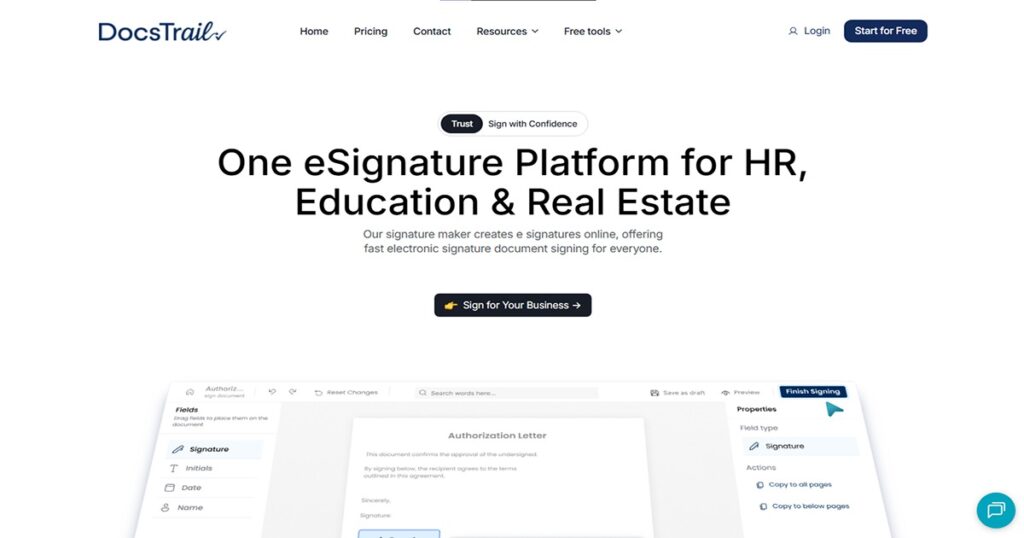
DocsTrail leads this list because it is the tool that most consistently delivers a complete, professionally usable experience on its free tier without quietly withholding the features that matter most.
The platform is fully browser-based — no download, no app store, no installation. You open it in Safari, Chrome, or any browser, upload your PDF or Word document, create your signature by drawing, typing, or uploading an image, place it on the document, and download the signed file. For self-signing, this process takes under two minutes.
For outbound signing — where you need someone else to sign — DocsTrail handles the entire workflow. You upload the document, add signature fields for your recipient, enter their email, and send. They receive a secure signing link, review the document on any device, apply their signature, and you receive an instant notification the moment they complete it.
Every document signed through DocsTrail comes with a full legally compliant audit trail. This is not a paid feature — it is included at every level. The audit trail captures timestamps, signer identity, email address, IP address, device type, and a tamper-evident cryptographic seal. This is what makes DocsTrail’s signatures more than just images on a page — they are verified, legally defensible signing records.
Additional features include real-time status tracking, automated reminders for unsigned documents, multi-party and sequential signing workflows, reusable document templates, and full compliance with the ESIGN Act and eIDAS Regulation.
Free tier: Available with no account required for self-signing. Full workflow features accessible with a free account.
Best for: Freelancers, small businesses, HR teams, real estate professionals, and anyone who needs a genuinely complete signing platform at no cost.
2. BoldSign
Best free tier for small teams with real monthly volume
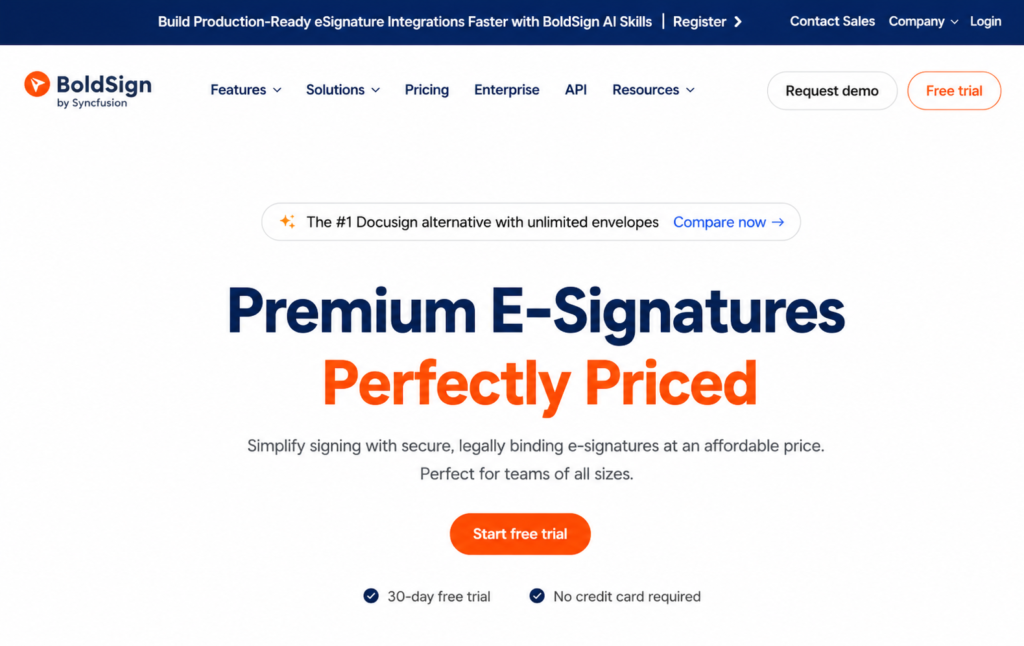
While other “free” plans restrict you to 3–5 documents a month, BoldSign’s free plan includes 25 signature requests per month — a volume that works for small active teams rather than just occasional individual signers. That monthly allowance, combined with unlimited self-signing, makes BoldSign one of the most genuinely usable free signing tools for small businesses that handle regular agreements.
The platform supports multi-party signing, email and SMS-based signer authentication, drag-and-drop field placement, and a proper audit trail on every document. The mobile experience is well-designed, which matters in 2026 when many signers complete the process from their phones.
BoldSign’s interface is polished and the onboarding process is fast — most users are sending their first document within minutes of creating an account.
Free tier: 25 signature requests per month, unlimited self-signing, audit trails included.
Best for: Small teams and businesses that need a meaningful free allocation rather than a token document cap.
Limitation: Branding customization, API access, and higher-volume workflows are behind the paid tier.
3. PandaDoc
Best free option for sales teams who also need document creation
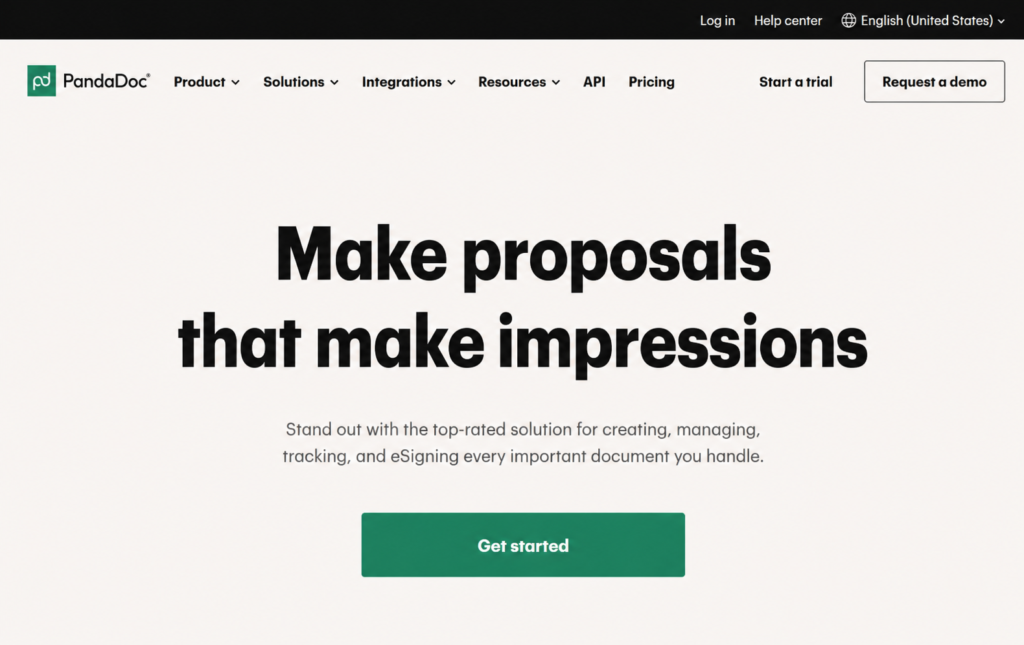
PandaDoc is the only platform that combines from-scratch document creation with unlimited e-signing on its free eSign plan — which makes it a standout choice for sales teams and businesses that want a single tool for proposals, contracts, and signatures rather than separate systems for document creation and signing.
The free plan allows five documents per month with the core signing workflow intact. Templates and advanced fields are reserved for paid plans, but the fundamental ability to upload a document, collect signatures, and track completion is available at no cost.
PandaDoc is particularly strong for outward-facing workflows — sending proposals to clients, getting quotes signed, processing service agreements — where the document being sent also serves as a sales or business communication artifact.
Free tier: Free eSign plan with five documents per month, unlimited e-signing.
Best for: Sales teams, account managers, and businesses that create and sign documents in a single flow.
Limitation: Templates and advanced configuration are paid features; five-document monthly cap limits heavy-use business scenarios.
4. SignWell
Best clean interface for solo professionals
SignWell caters to small teams with its easy-to-use interface and straightforward document management features. It offers unlimited templates, allowing your team to save time on repetitive tasks. The audit trail feature provides transparency and accountability.
The platform is intentionally minimal. There are no cluttered dashboards, no feature menus you will never open, and no learning curve to navigate before you can send your first document. You upload, add fields, send, and track. For freelancers and solo professionals who want the best free online document signing software experience without technical overhead, SignWell consistently earns that description.
The free plan includes three document sends per month alongside unlimited self-signing. You can set expiration dates on documents to keep signers on schedule, and the notification and reminder system means you do not have to manually chase people who have not signed yet.
Free tier: Three sends per month, unlimited self-signing, audit trail included, unlimited templates.
Best for: Freelancers, consultants, and solo business owners with low to moderate sending volume.
Limitation: Three monthly sends is restrictive for any business with regular document volume.
5. Xodo Sign
Best for audit trails on a free plan
Xodo Sign offers a free plan with document signing, templates, and audit logs — a combination that very few platforms offer at zero cost. Most free online document signing tools make you choose between templates and compliance records on the free tier. Xodo Sign includes both.
The platform supports multi-party signing, sequential routing where documents move through signers in a defined order, and both remote and in-person signing workflows. It is browser-based and works cleanly on desktop and mobile without requiring a download.
For businesses in regulated industries, or anyone handling documents where a formal signing record is important, Xodo Sign’s free tier provides a stronger compliance foundation than most alternatives at the same price point.
Free tier: Document signing with audit logs and templates included.
Best for: Users in regulated industries or anyone who needs auditable signing records on a limited budget.
Limitation: Free plan document limits are modest; stepping up to paid plans unlocks higher volume.
6. Zoho Sign
Best free option for teams in the Zoho ecosystem
Zoho Sign ensures secure and efficient e-signature solutions with enterprise-grade AES-256 encryption, compliance with ISO standards, GDPR, and HIPAA, and support for iOS, Android, Windows, and Mac. For businesses already running on Zoho’s suite — CRM, Books, People, or any of the other Zoho applications — Zoho Sign integrates natively across the platform, which removes the friction of managing signing in a separate tool.
The free plan allows five document sends per month with the core signing workflow, a basic audit trail, and multi-party signing support. The integration with the Zoho ecosystem means you can trigger signing workflows directly from your CRM records or HR system, which is a meaningful efficiency gain for teams that already live in that environment.
Free tier: Five sends per month, multi-party signing, audit trail, full cross-platform support.
Best for: Businesses already using Zoho applications who want native signing integration.
Limitation: Outside the Zoho ecosystem, the tool offers less of a distinctive advantage over other alternatives on this list.
7. DocHub
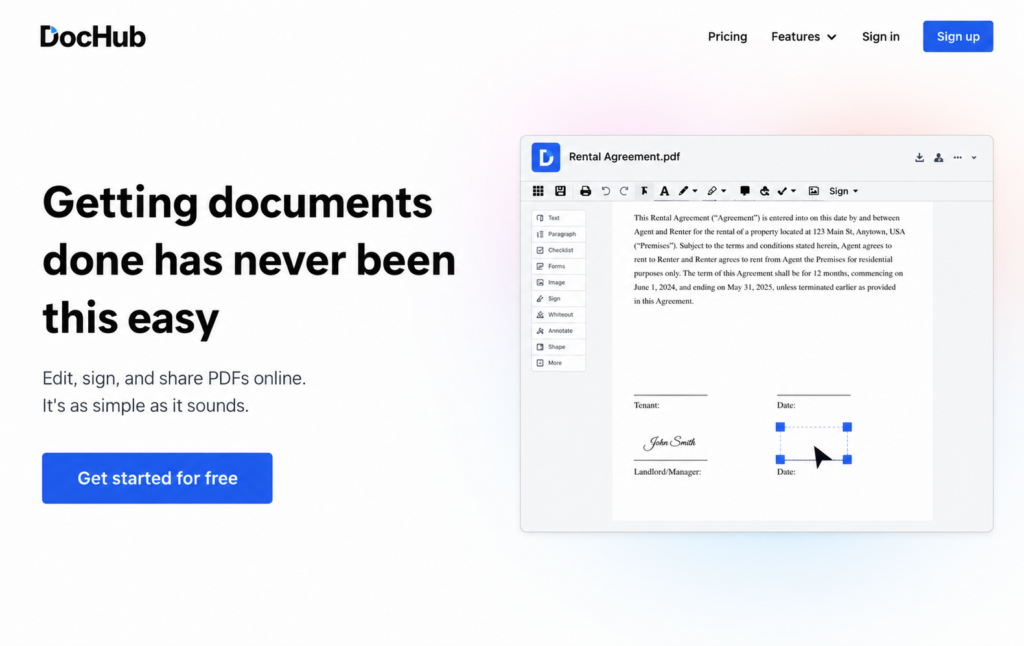
Best free tool for Google Workspace users
DocHub is the most natural fit for anyone whose entire document workflow runs through Google Drive, Google Docs, or Gmail. It integrates directly with Google Workspace, allowing you to open, annotate, sign, and send PDFs without leaving the Google environment.
The interface will feel immediately familiar to anyone who uses Google products regularly. You can sign documents, fill in form fields, add text annotations, and manage basic signing workflows directly from Google Drive. Signed documents are stored back in Drive automatically, keeping your document management in one consistent place.
For teams that live in Google Workspace and want to add signing capability without adopting an entirely new platform, DocHub fits into existing habits with minimal disruption.
Free tier: Basic signing with document limits on sends; integrates natively with Google Drive.
Best for: Google Workspace users who want the simplest possible integration with existing tools.
Limitation: Audit trail depth and advanced compliance features are more limited than dedicated signing platforms.
8. PDFgear
Best completely free option with no document limits
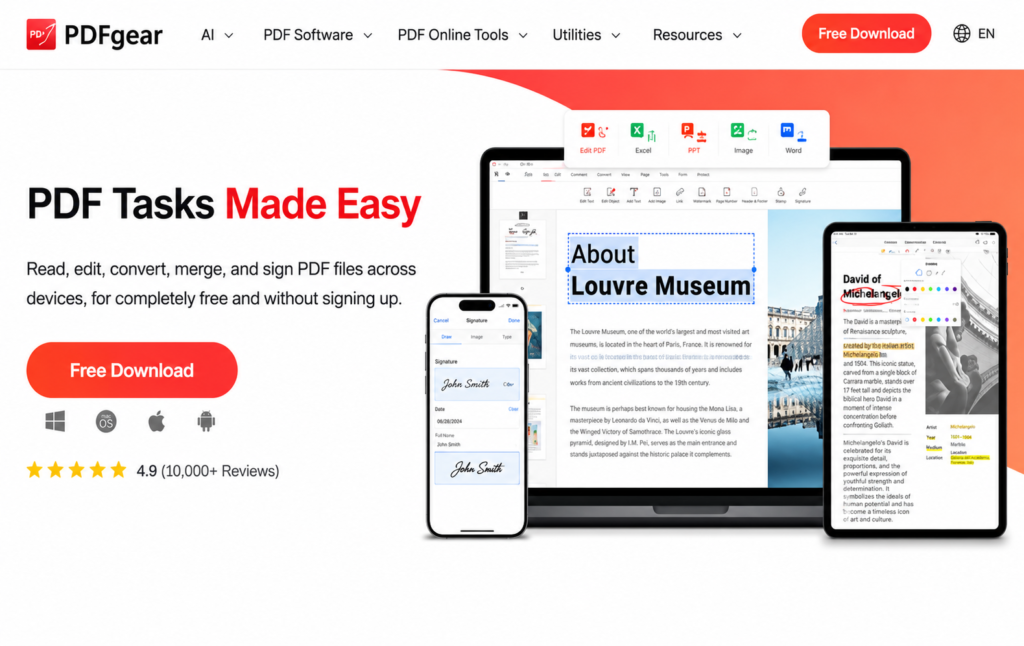
PDFgear occupies a unique position in this list: it is entirely free across all features, with no premium tiers, no watermarks, no monthly document caps, and no hidden limits. You can sign unlimited documents on Windows, Mac, iOS, and Android without ever paying anything.
The platform offers all three signature creation methods — typed, drawn, and uploaded image — along with a full suite of PDF annotation and editing tools. For individuals and students who want to sign documents whenever they need to without worrying about running into a paywall, PDFgear is the answer.
The significant limitation is that PDFgear is a self-signing tool. It does not support sending documents to others for signature, and it does not generate a formal audit trail. For informal personal use and low-stakes documents where the primary need is adding your signature and downloading the result, it is genuinely excellent. For anything with legal or business consequences, a platform with compliance infrastructure is the more appropriate choice.
Free tier: Fully free, no limits, no watermarks, available on all major platforms.
Best for: Individuals, students, and anyone who signs their own documents frequently with no budget for any tool.
Limitation: No outbound signing, no audit trail — not appropriate for business-grade legal compliance.
9. SignNow
Best for cost-conscious teams needing pure eSignature at scale
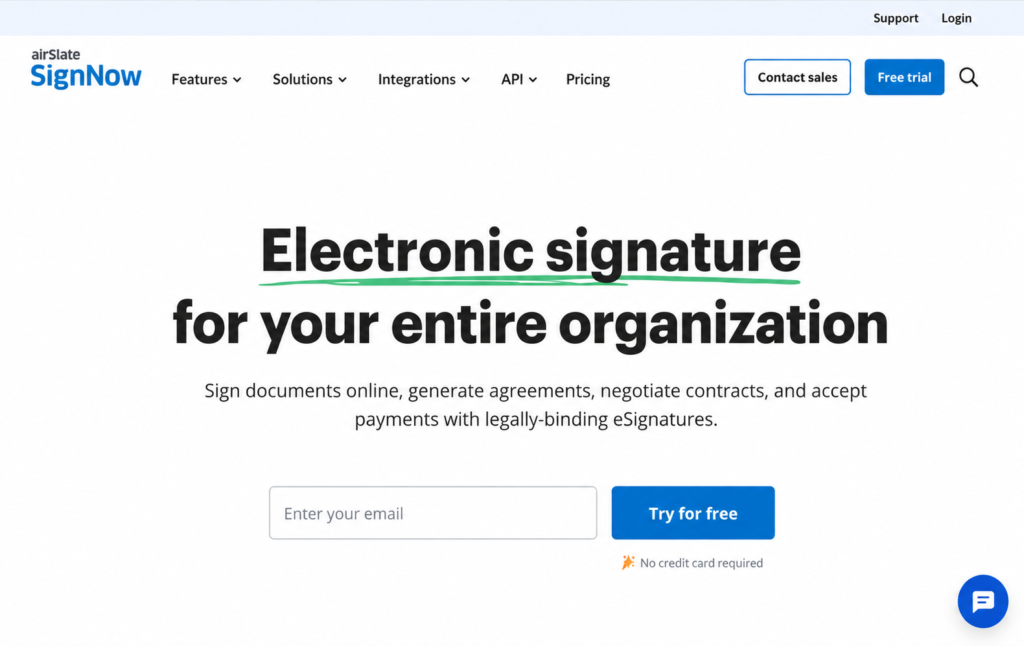
SignNow is great for cost-conscious teams needing pure e-signing without DocuSign’s envelope limits. The platform is built specifically for business use — commercial focus, enterprise-grade security, and a pricing model that is significantly more cost-effective than DocuSign for teams that send moderate to high document volumes.
The free tier allows basic signing functionality, and the paid plans are priced well below DocuSign’s comparable tiers. SignNow’s feature set includes multi-party signing, role-based field assignment, reusable templates, bulk sending, and integrations with popular business tools including Salesforce, Google Workspace, and Microsoft 365.
For organizations that have outgrown basic free tools and need a full business signing platform without enterprise-level pricing, SignNow is one of the strongest options in the mid-market space.
Free tier: Basic signing available; value proposition strongest at paid tiers.
Best for: Growing businesses and teams that need unlimited signing capacity at a predictable, competitive price.
Limitation: The free tier is more limited than some alternatives; SignNow’s strongest value is on paid plans.
10. Dropbox Sign
Best for teams who need simplicity and Dropbox storage integration
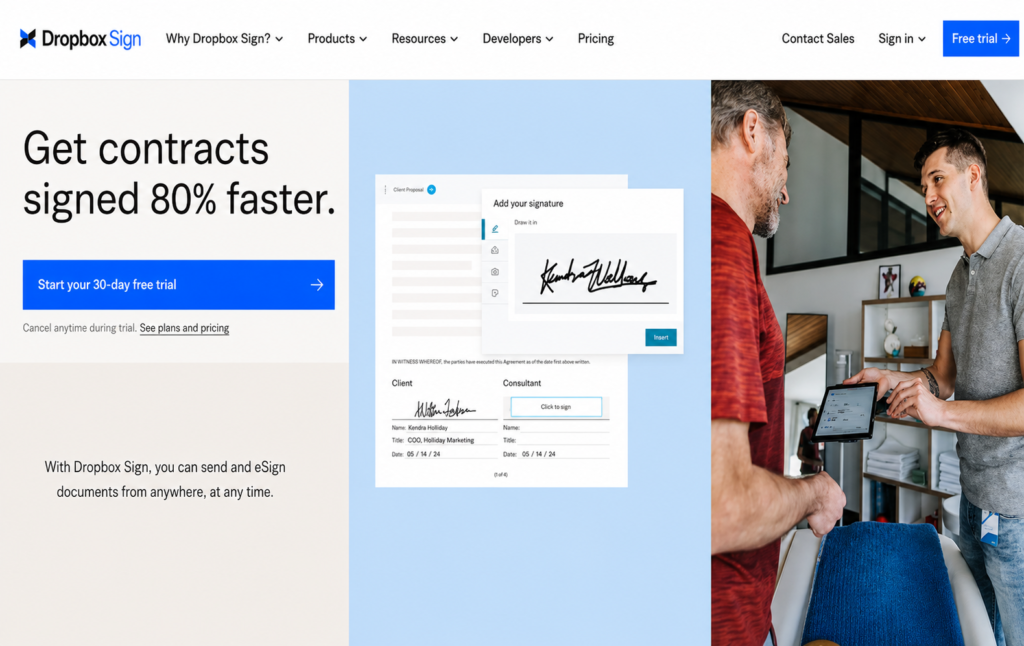
Dropbox Sign fits naturally into existing Dropbox storage setups, which is its primary differentiator. For teams already using Dropbox as their file storage platform, Dropbox Sign integrates seamlessly — signed documents go directly back into Dropbox, signing history is accessible from within the Dropbox interface, and the overall experience stays unified rather than requiring a context switch to a separate signing tool.
The platform is one of the most user-friendly in the market. New users rarely need any guidance to complete their first signing workflow. The audit trail is solid, multi-party signing is supported, and the mobile experience is well-optimized for on-the-go use.
The free plan includes three document sends per month, which is limiting for regular business use but adequate for occasional signers. At paid tier pricing, Dropbox Sign is competitive with most alternatives on this list.
Free tier: Three sends per month, audit trail included, Dropbox storage integration.
Best for: Existing Dropbox users who want document storage and signing in a unified environment.
Limitation: Three-document monthly cap on the free plan; pricing at scale is not the lowest in the market.
How to Choose the Right Tool From This List
With ten solid options in front of you, the decision really comes down to four questions:
1) What is your actual monthly signing volume?
Be honest about how many documents you send for signature each month. If it is more than five, the three-document caps on SignWell, Dropbox Sign, and Xodo Sign will frustrate you quickly. BoldSign’s 25-document free tier or DocsTrail’s workflow platform are better fits for regular business use.
2) Do you need to send to others, or just sign your own documents?
If you are the only signer, PDFgear’s unlimited free tool covers your needs without any account setup. If you need clients, employees, or vendors to sign remotely, you need a platform with outbound sending capability — DocsTrail, BoldSign, SignWell, or any of the other full-featured platforms on this list.
3) Does your industry or document type require a proper audit trail?
For employment contracts, business agreements, real estate documents, or anything where a legal dispute is conceivable, always choose a platform that generates a proper audit trail with timestamps, signer identity, and tamper-evident document sealing. DocsTrail, BoldSign, Xodo Sign, and SignWell all provide this. PDFgear and basic image-insertion tools do not.
4) Do you already use a specific ecosystem?
Teams working primarily in Google Workspace will find DocHub the most natural fit because of its seamless integration with Google tools. Existing Dropbox users may prefer Dropbox Sign for its built-in document storage and signing workflow. Businesses already operating within the Zoho ecosystem can benefit from Zoho Sign’s native connectivity across applications. For organizations without a strong ecosystem preference, DocsTrail offers a flexible browser-based platform that works across devices and business environments.
A Note on “Free” in 2026
In 2026, physical signatures are more than just a hassle — they are a business liability that slows down deal cycles and increases overhead. The demand for digital signing has matured the market significantly, and the best free online document signing software options available today are genuinely better than what paid tools offered just a few years ago.
But “free” still requires scrutiny. Most free digital signature software limits how many documents you can send to others for signature — often three to five per month. Certain platforms add watermarks to signed files, while others lock audit trails behind paid plans. In some cases, self-signing remains free, but charges apply as soon as you send documents to another party for signature.
The tools on this list have been selected because their free tiers are honest and functional — not engineered to frustrate you into upgrading before you have had a chance to genuinely evaluate the product. Start with DocsTrail for the most complete free experience, and expand to other tools if your specific workflow or ecosystem points in a different direction.
The right tool is the one that handles your documents professionally, produces legally compliant records, and lets you get back to the work that actually matters.
Ready to sign your first document right now? No account setup, no credit card, no document limits to start. Sign Documents Free with DocsTrail →